Liquid Glass
Glass that’s really glass.
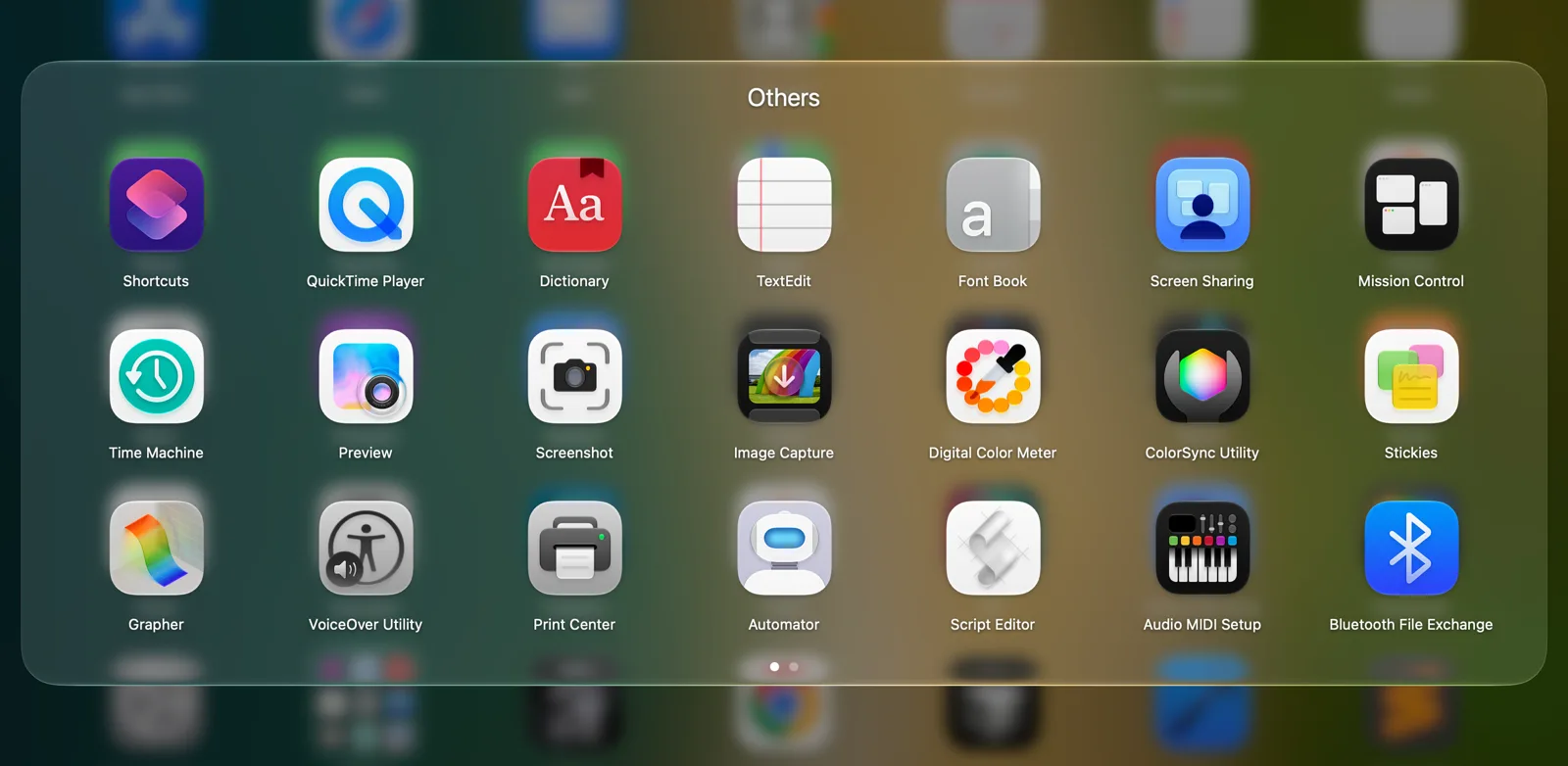
Folders and the search field are Apple’s own Liquid Glass, bending your wallpaper live — not a blur pretending to be glass.

New for macOS 26 and later
The full-screen app launcher you missed, rebuilt natively in Swift — with real Liquid Glass, a four-finger pinch, and search that understands how you type.
14-day free trial · No account needed · macOS 26 or later
Gestures
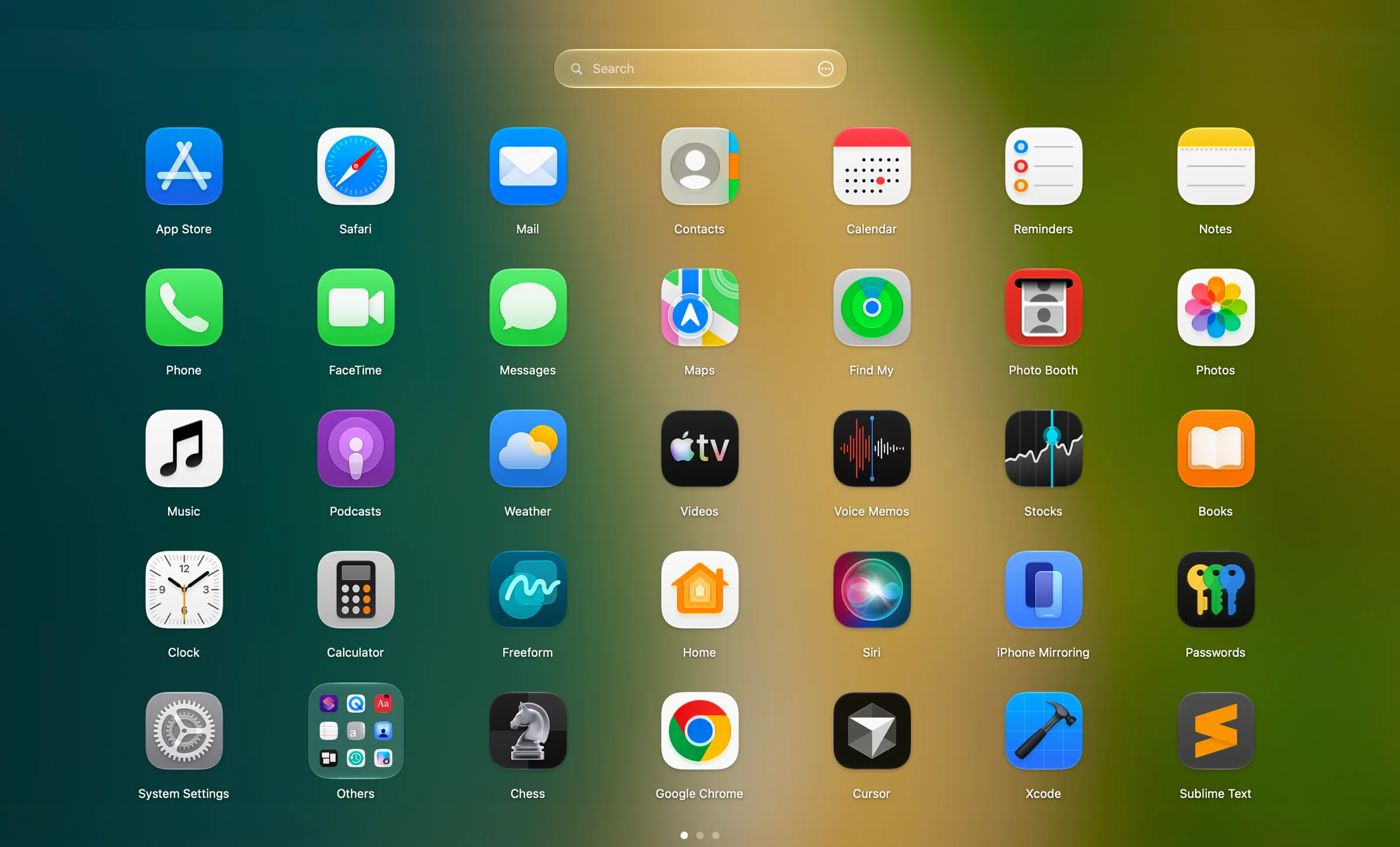
Pinch with your thumb and three fingers to open, spread them to close. LaunchUltra follows your fingers frame by frame, then springs open or shut the moment you let go.
Or open it your way
Features
Liquid Glass
Folders and the search field are Apple’s own Liquid Glass, bending your wallpaper live — not a blur pretending to be glass.
Clean uninstall
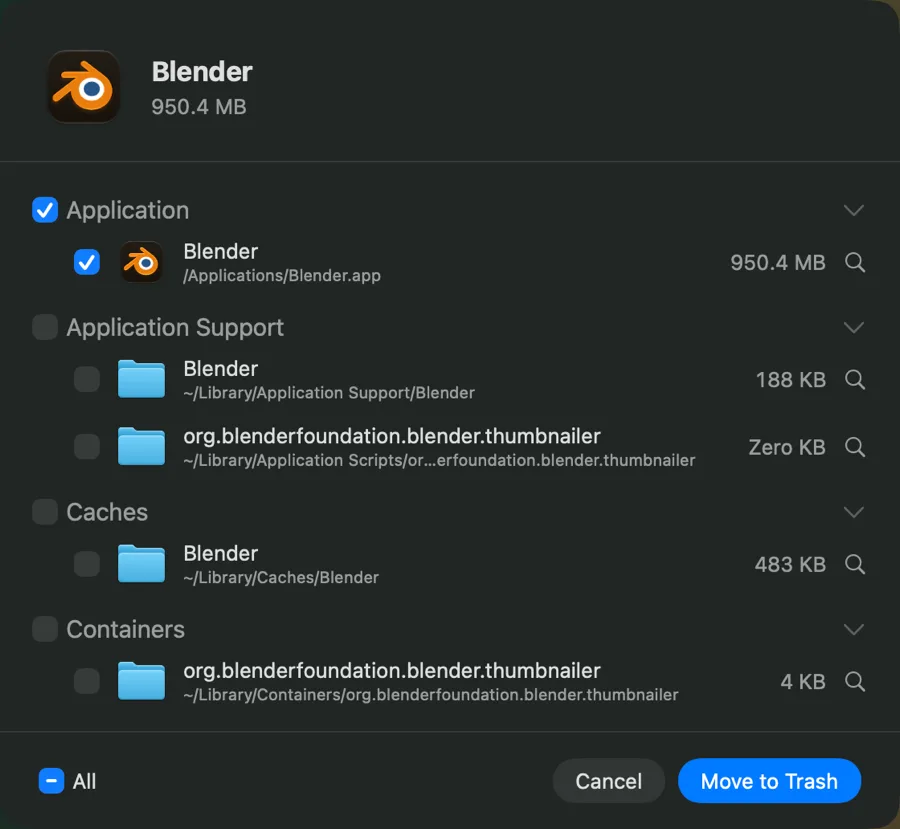
See what an app left in your Library and choose what goes. Everything goes to the Trash, so nothing is lost by mistake.
Search
Type “ph” for Phone, Photos and Photo Booth — even iPhone Mirroring. Search matches the start of any word, initials and abbreviations, and puts what you open most first.

Window mode
Keep your desktop in view: the same grid, folders and search in a floating Liquid Glass window.
Organise
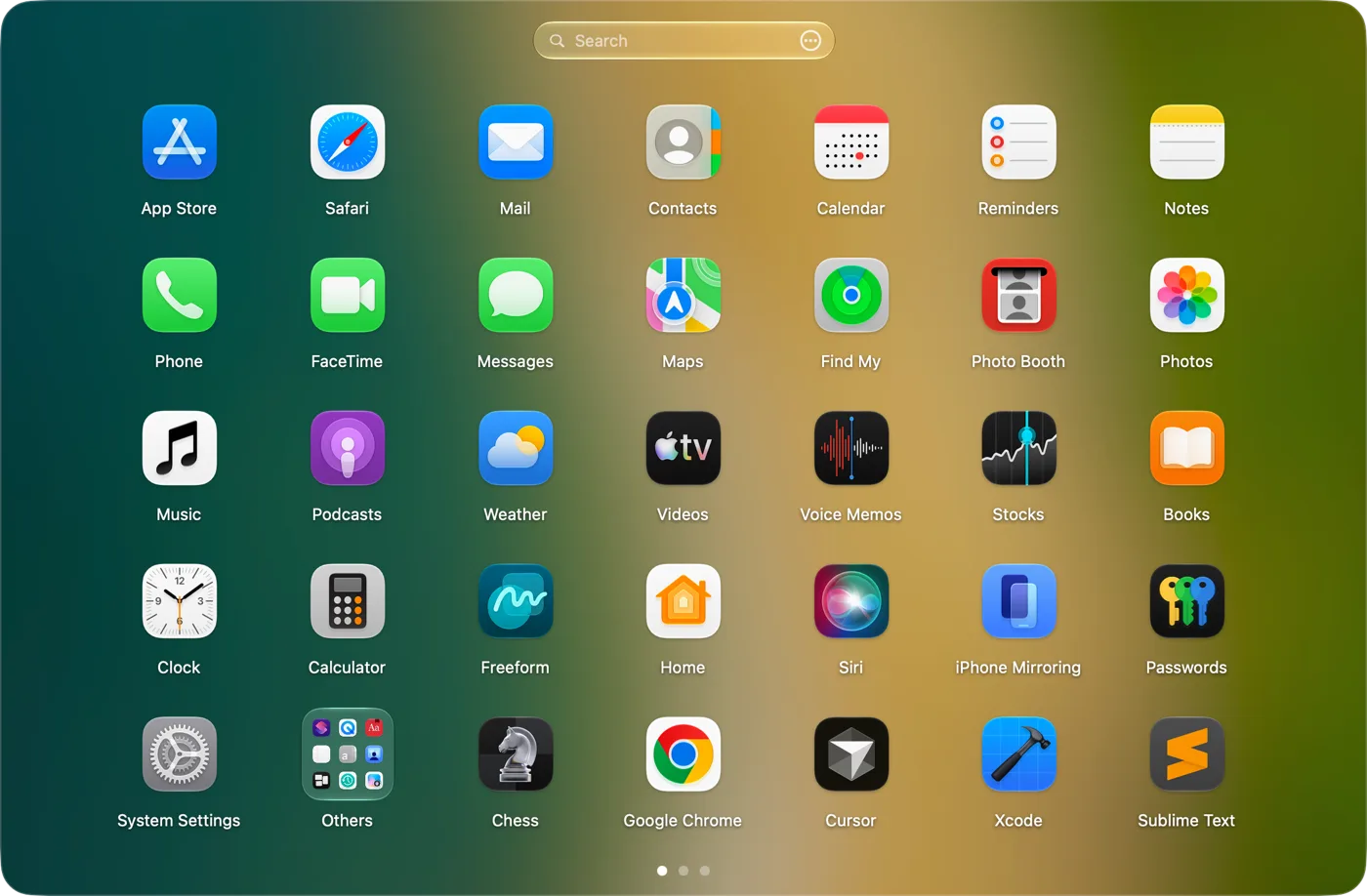
Drag to rearrange, drop one app on another for a folder, or select several and move, hide or open them together.
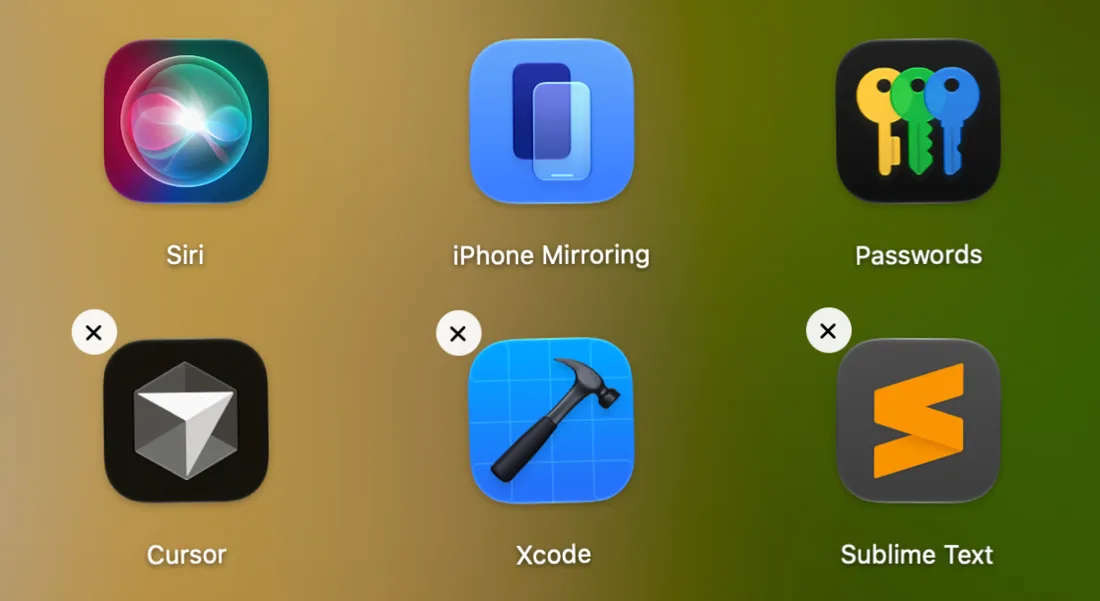
Browse
Flip page by page as in Launchpad, or scroll through everything, rows gliding under the glass search field.
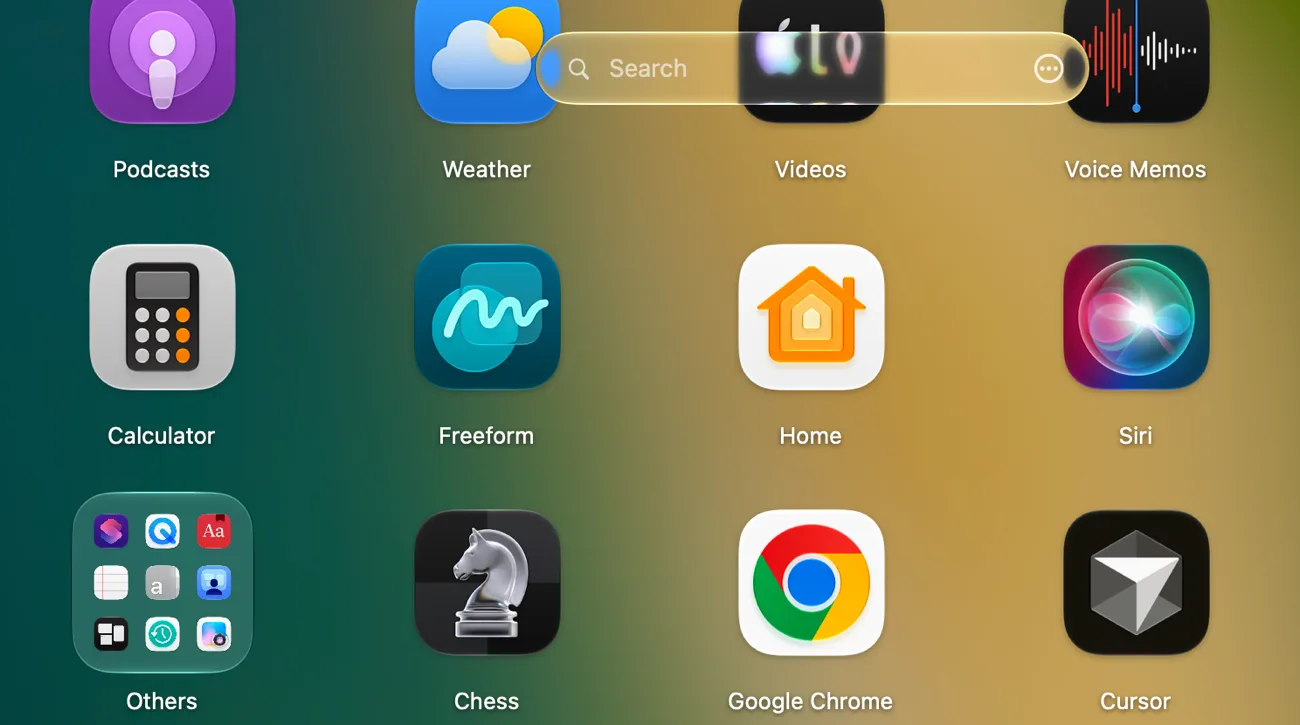
Sort
Your own arrangement, or by name, date added, last opened or most used. Switch back any time: your arrangement is kept.
No analytics, no account, no tracking. LaunchUltra goes online only to check your license.
Make it yours
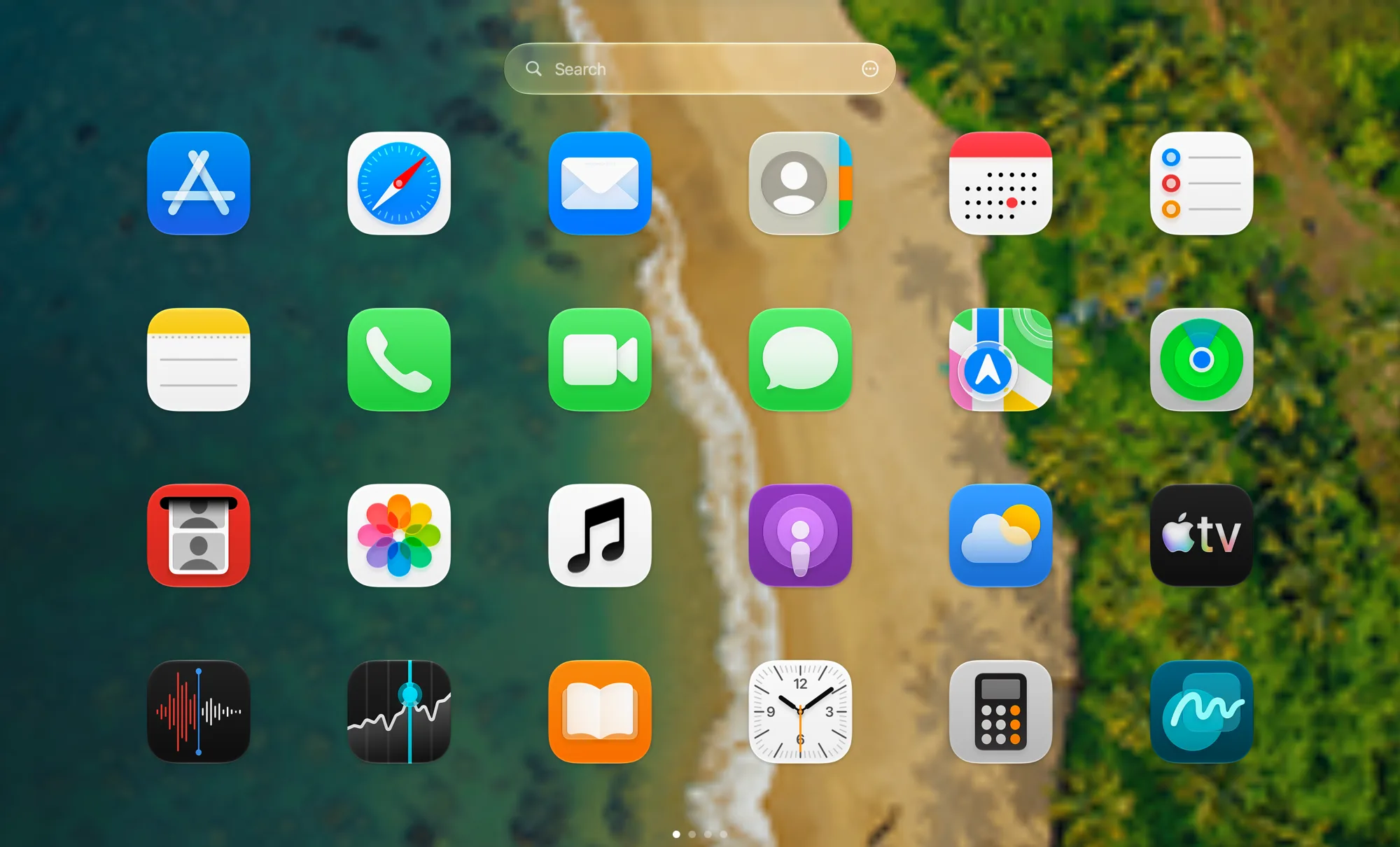
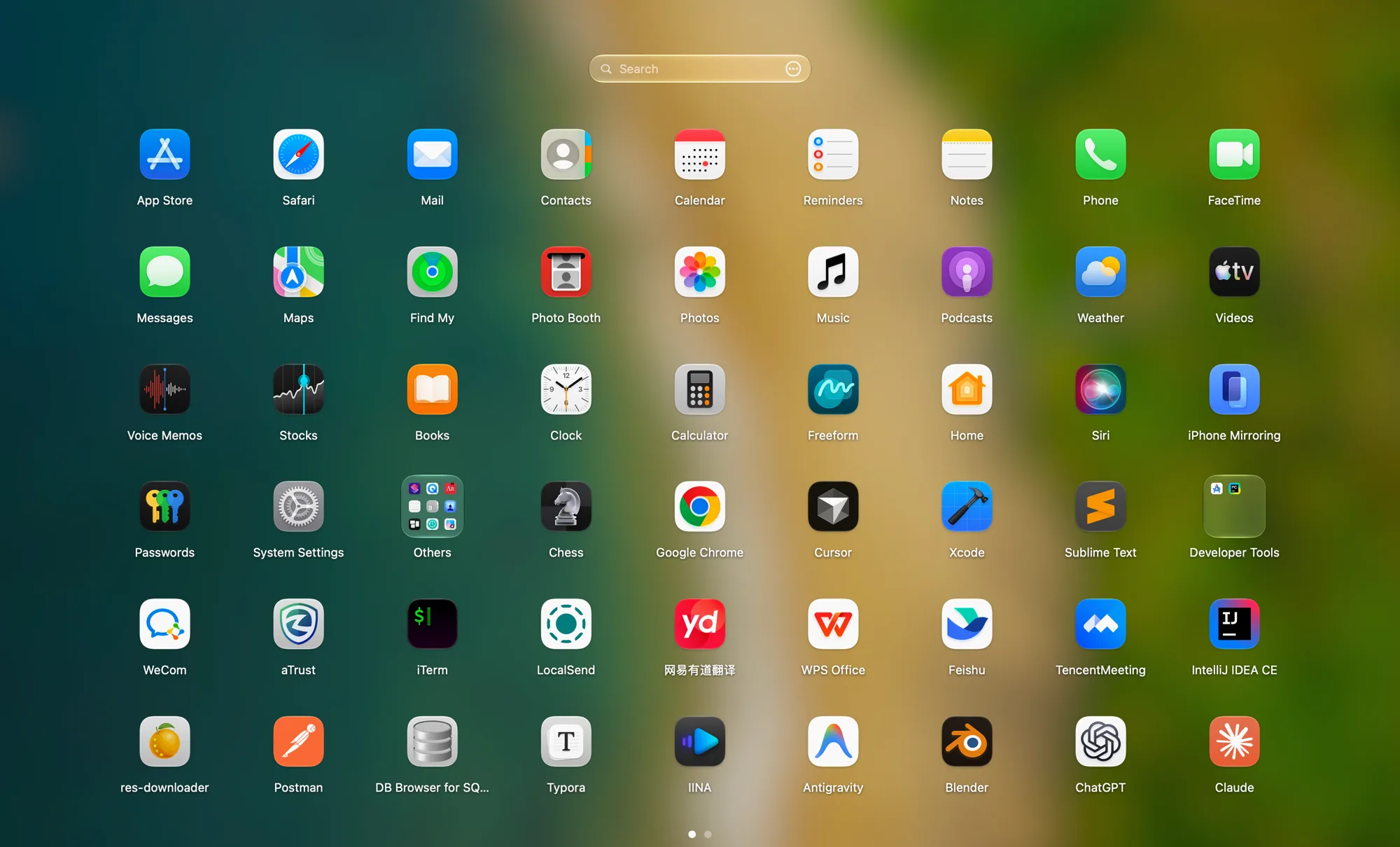
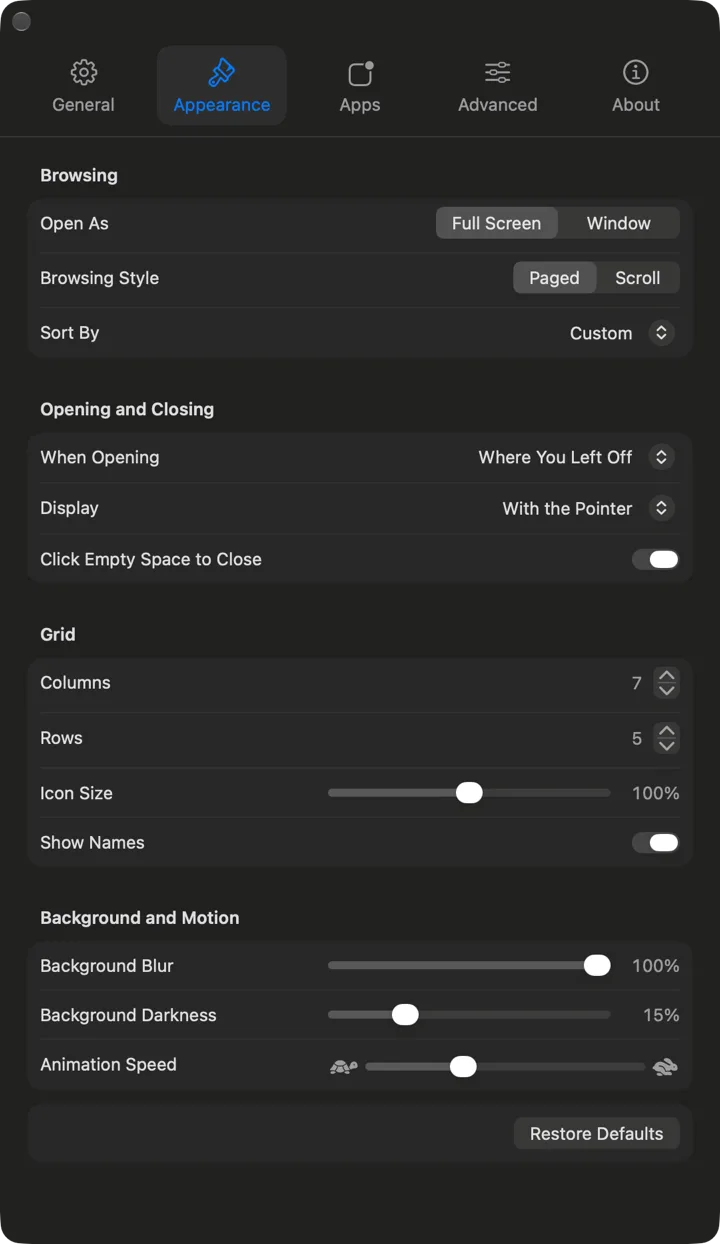
Rows and columns, icon size, names, blur and darkness, how it opens and where. Every detail is a setting away.
7 × 5, the way Launchpad looked.6 × 4, names off, wallpaper sharp.9 × 6, more on every page.
Arrows, Return, ⌘← and ⌘→, Esc. Never reach for the mouse.
Point to a corner of the screen and it opens.
Use the key on your keyboard, or record any other.
⌥⌘L out of the box, or a shortcut of your own.
Open it, or your recent apps, from either.
Opens on the display you’re using, or always on the main one.
The wheel and side buttons turn pages.
Drop an app on the Dock to keep it there.
Hide apps you never use, shorten long names. The apps stay untouched.
Pages of their own, a name you choose, dissolved in a click.
Your old pages and folders come across on first launch.
Saved as you go, the last ten versions kept. Export any time.
Add folders and external drives; their apps grey out when the drive is away.
Reopen on your last page, or always on the first.
Ready the moment your Mac is.
Every app, folder and page is labelled.
Gentle fades instead of zooms when you ask for less motion.
Indigo, Graphite or Daylight in your Dock.
Menus, settings and every message are translated, and search knows each app’s name in your languages.
Pricing
Launch offer · 50% off
$5$10One-time purchase. Launch price for a limited time; regular price $10.
Secure checkout by Paddle, our reseller. Local taxes included where they apply.
Pinch gestures and the Launchpad key need system access that App Store apps aren’t allowed. LaunchUltra is signed with an Apple Developer ID and notarized by Apple.
Every feature is unlocked for 14 days, with no account or card. When it ends, enter a license to carry on: your layout stays exactly as you left it.
Yes. A license works on two Macs at a time. Deactivate the old one in Settings (or on our website if it’s gone) and activate the new one.
Check your spam folder first. You can also have it resent from the Support page with the email you bought with.
macOS has its own pinch gesture for its Apps screen. LaunchUltra shows you how to turn it off in Trackpad settings, so the two don’t both respond.